

To turn a paper sewing pattern into an SVG file, photograph the pattern and let the contours be detected automatically. With PatternScan Pro this takes a few minutes: take a photo, check the contours, export your SVG. True to scale, in millimeters.
Manual tracing in a vector program is tedious work, the scale is easy to get wrong, and there is hardly any way to correct the camera lens distortion by hand. Digitizing from a photo replaces exactly that step.
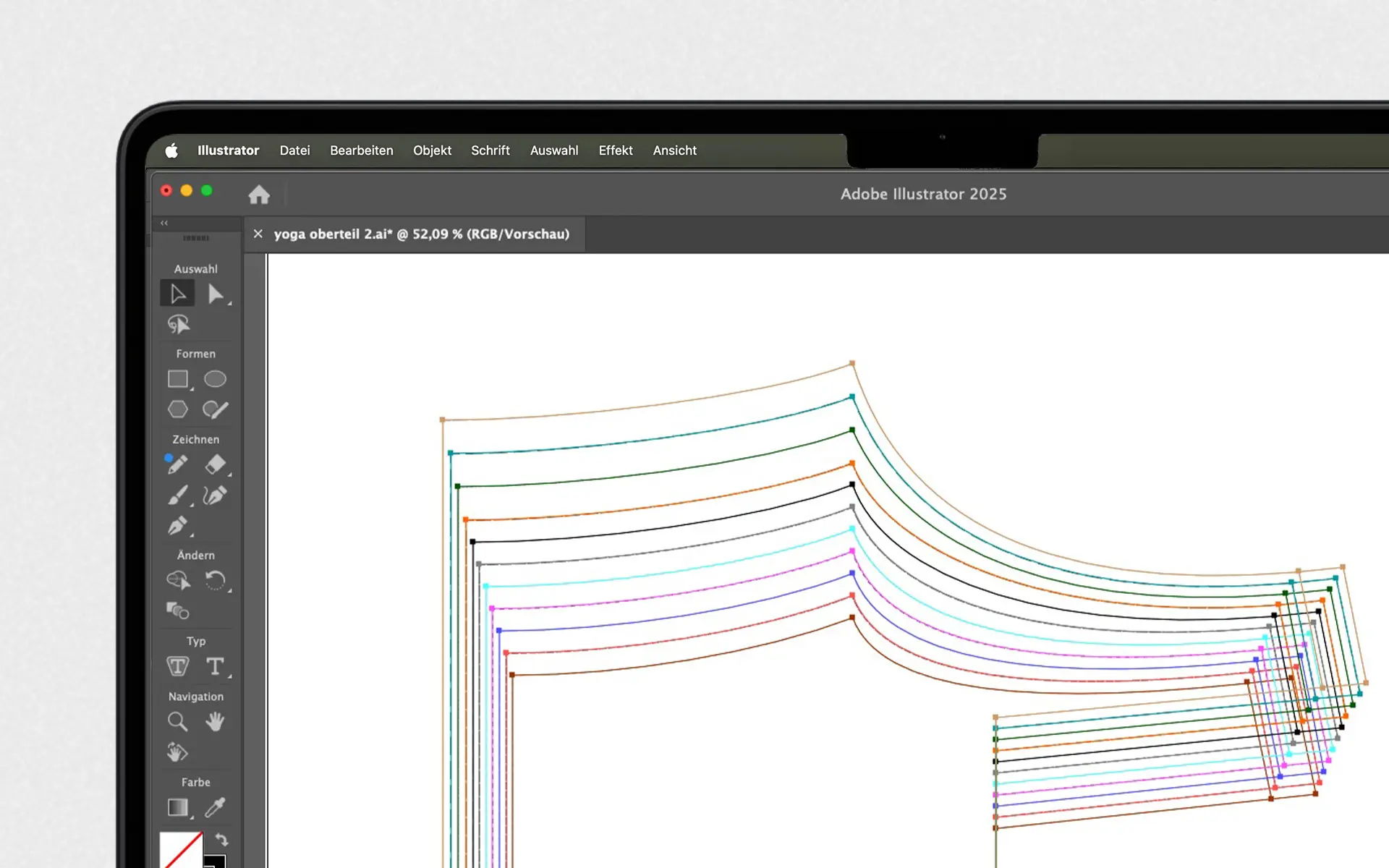
SVG is the most flexible format for sewing patterns. It scales without any loss, opens in every vector program and in any browser, and you can edit, print, plot or project it. If you want to keep working on your pattern after digitizing, SVG is the format to pick.
Working with professional CAD software? If your workflow runs through GRAFIS or other CAD tools, DXF is your format. And if you simulate in CLO3D, take a look at PACX.
PatternScan Pro handles distortion correction, scaling and contour detection automatically. Go straight from photo to usable digital pattern.
Lay your cut-out pattern piece on a dark surface, place the four Reference Tiles around it and photograph it from above. Our photography guide shows the ideal photo.
PatternScan Pro corrects the perspective and detects the contours automatically. You review the result in the editor, measure lengths and adjust curves where needed.
Export your pattern piece as a true-to-scale SVG in millimeters. Every contour stays an editable path.
Try the three steps with your own pattern.
Open the SVG in your vector program and continue right away: grade sizes, adjust lines, prepare the layout for printing. Seam allowances and notches you already add in PatternScan Pro before exporting. Everything here works in Adobe Illustrator as well as in Affinity or Inkscape, both free.
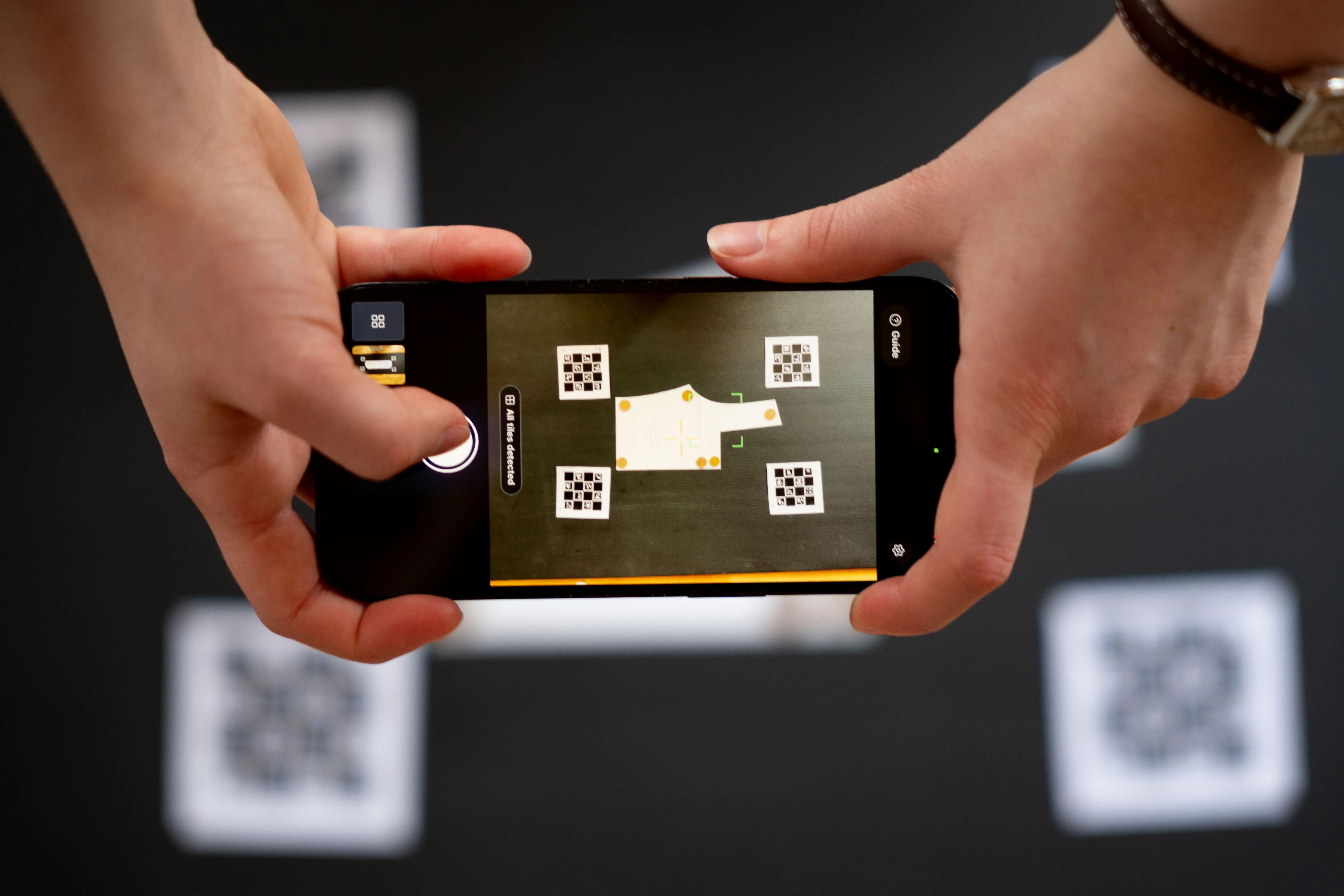
The four printed Reference Tiles around your pattern tell the app exactly how large everything is. PatternScan Pro also corrects the distortion of your camera lens. Together this is what makes photo-based digitizing precise enough for real pattern work. You can verify it yourself: measure a known length in the editor after importing.
More on the tiles in our reference guide.
Is the SVG true to scale?

Yes. The Reference Tiles set the scale and the export is in millimeters. We still recommend measuring one known length after importing, as with any digitizing workflow.

Guide: Creating a Calibration Profile
Learn how to create accurate calibration profiles
Guide: Print and Use Reference
Learn how to use the reference correctly
Guide: How to Photograph Your Pattern
Complete step-by-step instructions
Which programs open the SVG file?
Adobe Illustrator, Inkscape, Affinity Designer and every other vector program. Browsers display SVG too, so you can preview the file anywhere.
Guide: Creating a Calibration Profile
Learn how to create accurate calibration profiles
Guide: Print and Use Reference
Learn how to use the reference correctly
Guide: How to Photograph Your Pattern
Complete step-by-step instructions
Do I need special hardware?
No. A smartphone camera and a normal printer for the Reference Tiles are enough. There is no scanner, no plotter and no special equipment involved.
Guide: Creating a Calibration Profile
Learn how to create accurate calibration profiles
Guide: Print and Use Reference
Learn how to use the reference correctly
Guide: How to Photograph Your Pattern
Complete step-by-step instructions
Does the pattern have to be cut out?
For automatic detection, yes. The app detects free-standing contours, so cut your pattern along its lines before photographing. Alternatively you can draw the contour manually in the editor, for example on an uncut multi-size sheet. PatternScan Pro still handles calibration, distortion correction and the transfer into any software.
Guide: Creating a Calibration Profile
Learn how to create accurate calibration profiles
Guide: Print and Use Reference
Learn how to use the reference correctly
Guide: How to Photograph Your Pattern
Complete step-by-step instructions
What if I need DXF or CLO3D instead?
PatternScan Pro also exports DXF for CAD software and PACX for CLO3D. You choose the format at export, from the same digitized pattern.
Guide: Creating a Calibration Profile
Learn how to create accurate calibration profiles
Guide: Print and Use Reference
Learn how to use the reference correctly
Guide: How to Photograph Your Pattern
Complete step-by-step instructions
Have more questions? Feel free to contact us.
Use your digitized patterns for whatever comes next: grading, CAD, 3D simulation, projecting, or your archive.
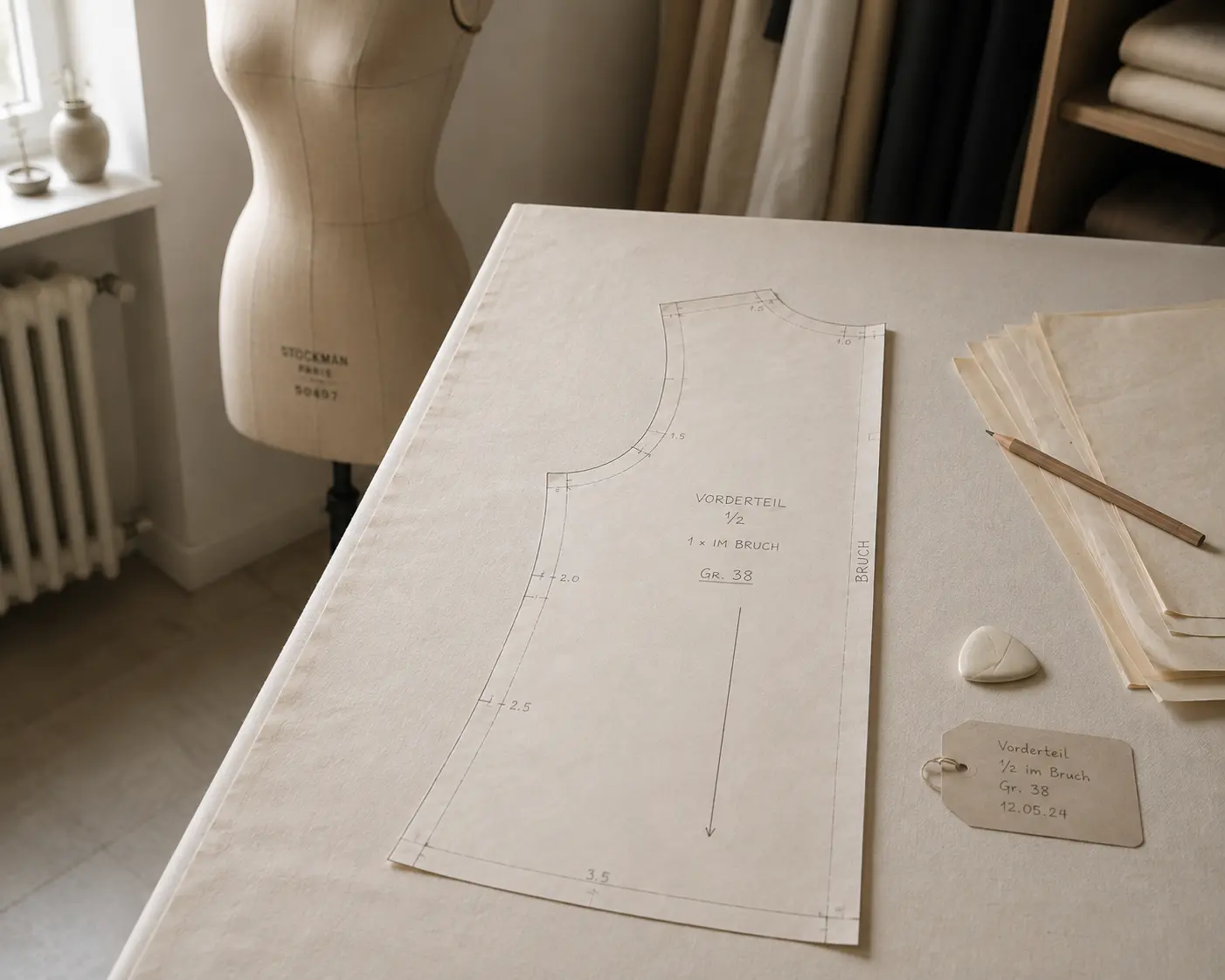
Digitize sewing patterns without tracing.
Test PatternScan Pro free for 14 days with the full feature set. You need your smartphone, a printer and one pattern you always wanted digital.
Photograph your paper pattern and get an automatically scaled digital version with PatternScan Pro.
Usage
.svg)