

To organize your sewing patterns, digitize them first: photograph each piece and export a true-to-scale file. From there, a clear folder structure on your own computer keeps every pattern findable.
PatternScan Pro is built for the digitizing step. The organizing happens in your own folders, and a good structure takes five minutes to set up.
Paper patterns live in envelopes, boxes and drawers, and the one you need is always at the bottom. A digitized pattern is a file: it can be named, sorted, backed up and copied, while the paper original stays safe.
The pattern library inside PatternScan Pro is deliberately a working space: it syncs your patterns between the companion app and the desktop editor while you digitize and adjust. The archive lives in your own folders.
Just need a specific file format? Head straight to your workflow: SVG for vector programs, DXF for CAD or PACX for CLO3D.
PatternScan Pro handles distortion correction, scaling and contour detection automatically. Go straight from photo to usable digital pattern.
Lay your cut-out pattern piece on a dark surface, place the four Reference Tiles around it and photograph it from above. Our photography guide shows the ideal photo.
PatternScan Pro corrects the perspective and detects the contours automatically. You review the result in the editor, measure lengths and adjust curves where needed.
Export as SVG, DXF or PACX and save the file in your folder structure. With a speaking name like 2026-blouse-clara-size38.svg you will still find every pattern years later.
Try the three steps with your own pattern.
Pick the one that matches how you think, and stay with it:
Two habits make every structure work: give files a speaking name (year, pattern, size) and back the folder up like any other important folder, for example in your cloud drive. And if you want dedicated pattern management software, our friends at emborado build exactly that: managing sewing patterns with emborado.

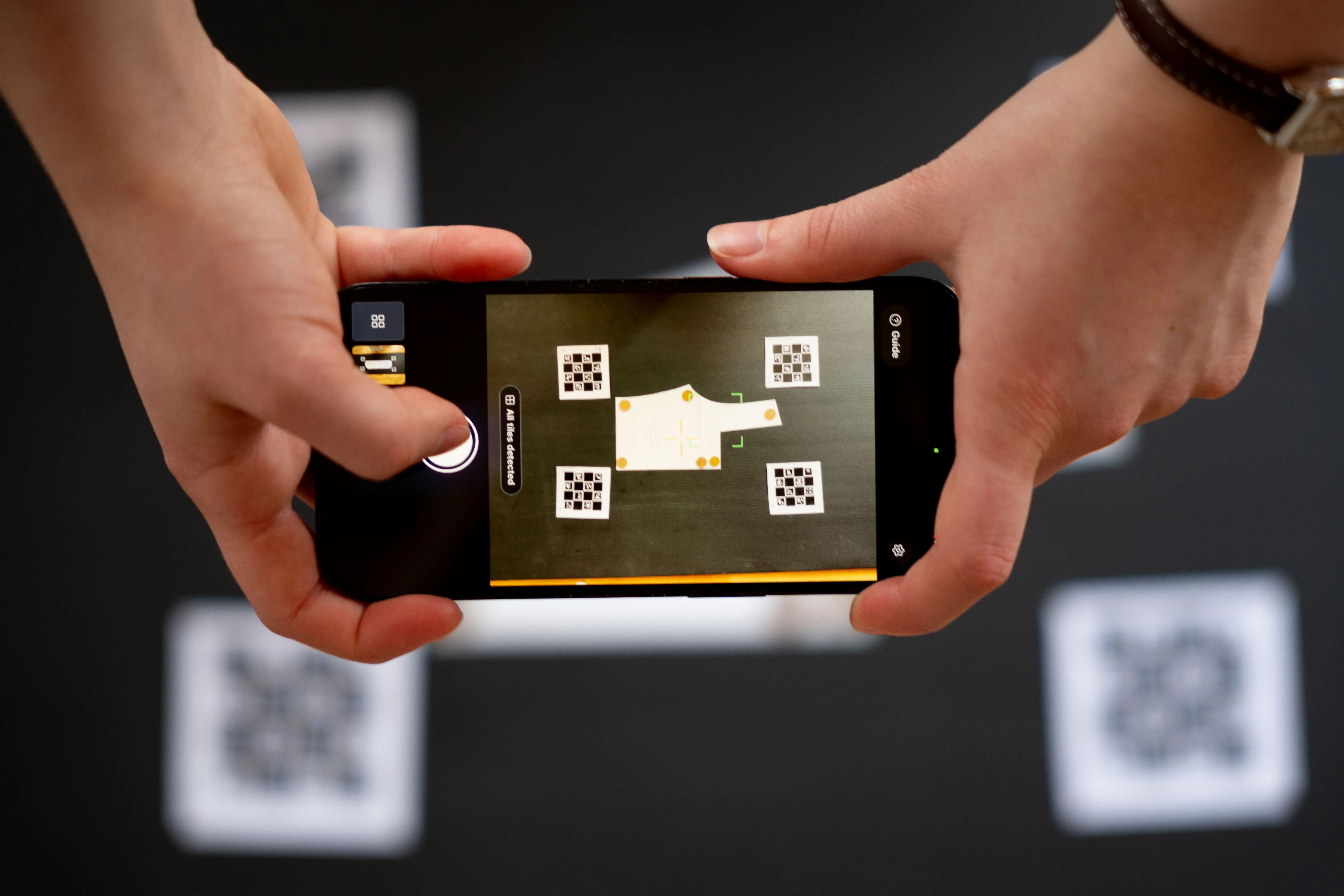
The four printed Reference Tiles around your pattern tell the app exactly how large everything is. PatternScan Pro also corrects the distortion of your camera lens. Together this is what makes photo-based digitizing precise enough for real pattern work. You can verify it yourself: measure a known length after importing.
More on the tiles in our reference guide.
How do I organize my patterns?

Export your patterns and file them in a folder structure on your computer, for example by garment type, client or era. The library inside the app is your working space for digitizing and adjusting, not an archive.

Guide: Creating a Calibration Profile
Learn how to create accurate calibration profiles
Guide: Print and Use Reference
Learn how to use the reference correctly
Guide: How to Photograph Your Pattern
Complete step-by-step instructions
How long do my patterns stay stored in my PatternScan Pro library?
Until you remove them or delete your account. Your patterns are never used for advertising, never sold and never used for AI training.
Guide: Creating a Calibration Profile
Learn how to create accurate calibration profiles
Guide: Print and Use Reference
Learn how to use the reference correctly
Guide: How to Photograph Your Pattern
Complete step-by-step instructions
Where are my digitized patterns stored?
On servers in Germany, GDPR compliant. They stay stored until you remove them or delete your account.
Guide: Creating a Calibration Profile
Learn how to create accurate calibration profiles
Guide: Print and Use Reference
Learn how to use the reference correctly
Guide: How to Photograph Your Pattern
Complete step-by-step instructions
Can I export a pattern later?
Yes, anytime. Every pattern in your library exports as SVG, DXF or PACX whenever you need it.
Guide: Creating a Calibration Profile
Learn how to create accurate calibration profiles
Guide: Print and Use Reference
Learn how to use the reference correctly
Guide: How to Photograph Your Pattern
Complete step-by-step instructions
Have more questions? Feel free to contact us.
Use your digitized patterns for whatever comes next: grading, CAD, 3D simulation, projecting, or your archive.
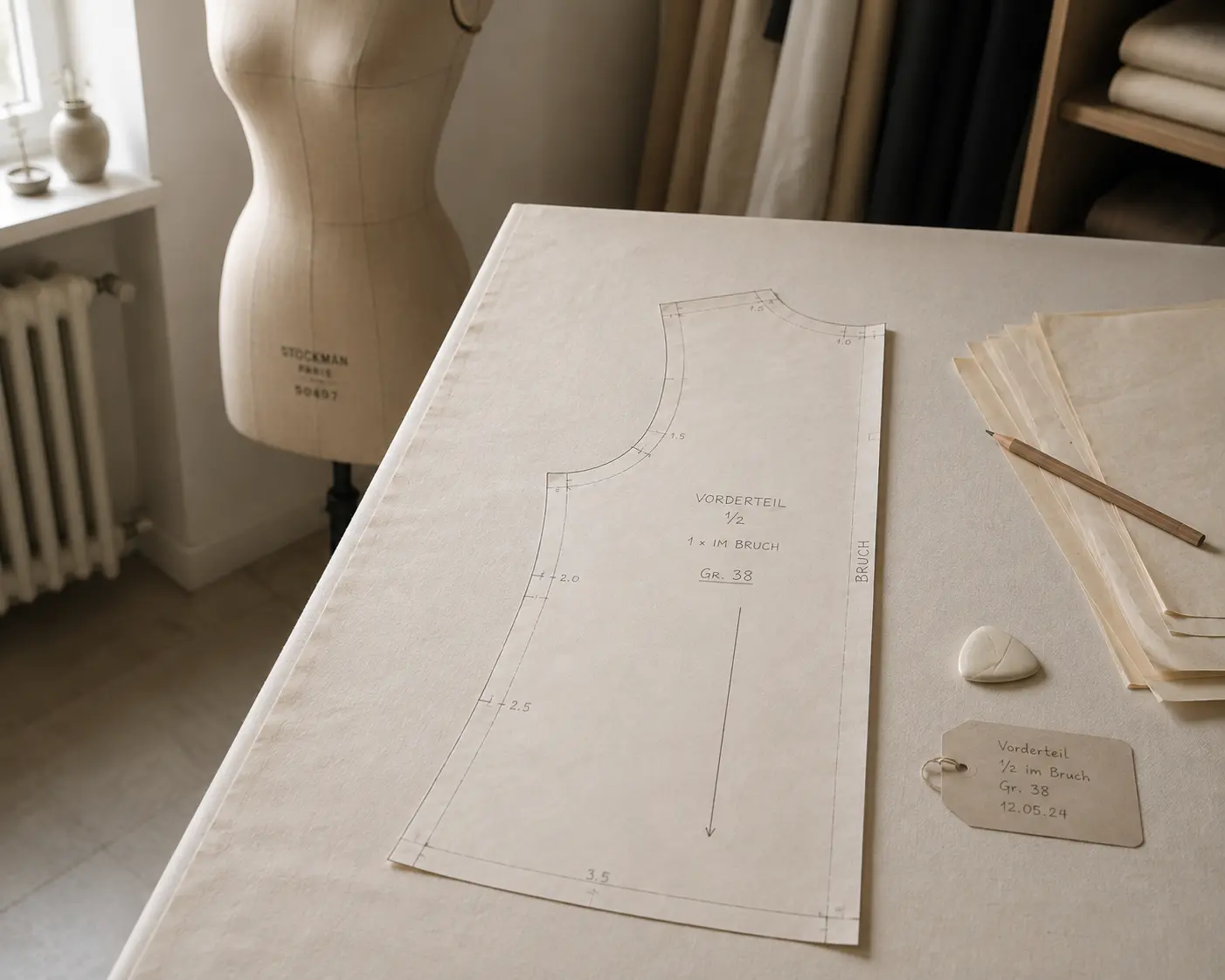
Digitize sewing patterns without tracing.
Test PatternScan Pro free for 14 days with the full feature set. You need your smartphone, a printer and one pattern you always wanted digital.
Photograph your paper pattern and get an automatically scaled digital version with PatternScan Pro.
Usage
.svg)