

PatternScan Pro works with two different references: the Reference Tiles for photographing sewing patterns, and the Checkerboard Reference for creating calibration profiles.
The four Reference Tiles are used to digitize sewing patterns, they enable highly accurate detection.
The Checkerboard Reference is used to create calibration profiles, which are required for uploading photos via Desktop. If you take photos with PatternScan Pro Mobile, you don't need it. (Available for iPhone and Android.)


The Reference Tiles are four small QR-code-like boards (8 cm × 8 cm each). Place them around your sewing pattern when taking a photo. PatternScan Pro detects them automatically and uses them to calculate the exact measurements of your pattern.
The Reference Tiles are the only method for pattern detection: Both in PatternScan Pro Mobile and when uploading via Desktop. Reference Tile "A" is the lead tile: its arrows will point upward on the digitized pattern. Use it to orient your layout.
The Checkerboard Reference (17.5 cm × 25 cm) is used exclusively for creating calibration profiles. It plays no role when photographing sewing patterns.
A calibration profile is a one-time setup per camera. It adapts PatternScan Pro to your specific camera and shooting situation and can be reused for all future sessions. If you upload photos via Desktop, a calibration profile is required.

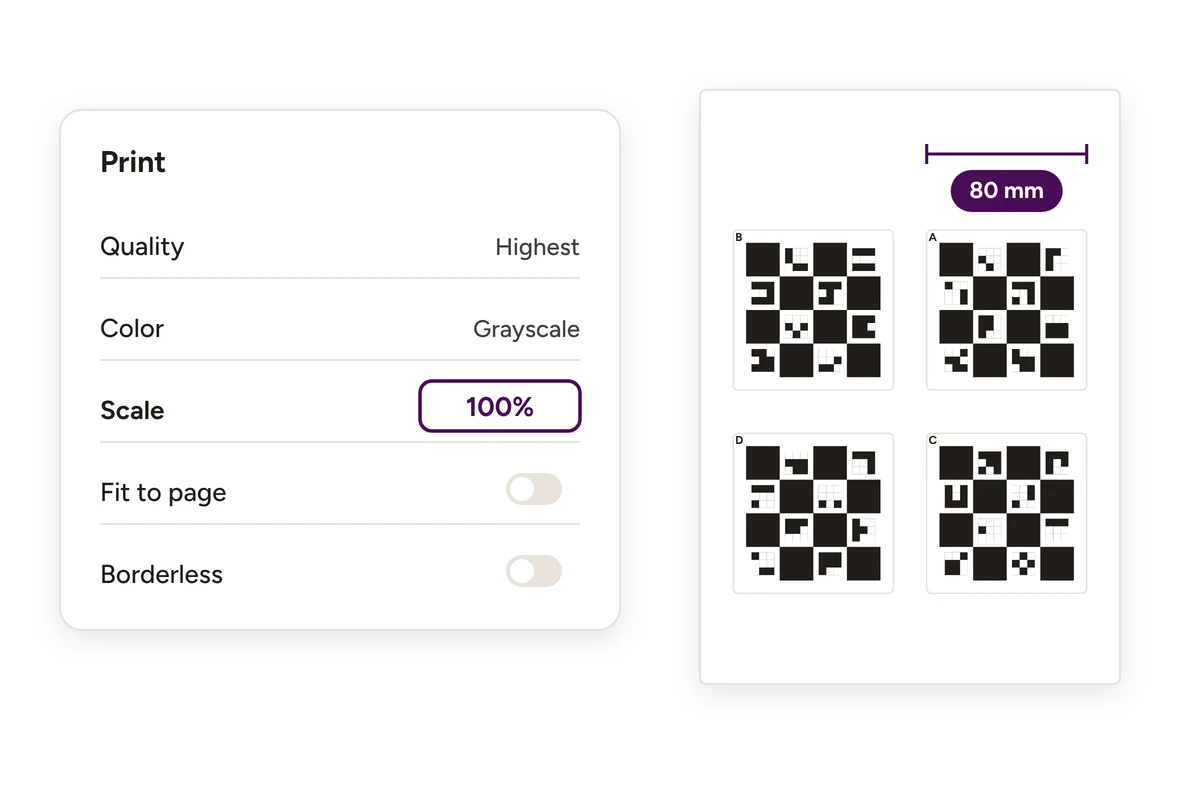
Print on white paper (A4 or US Letter). Heavier paper (120–160 g/m²) is recommended — it warps and bends less easily.
Print settings for both references:
Measure your printout after printing. Small deviations can affect results, since the reference is your scale. A correctly printed reference makes millimeter-accurate digitization possible.
The interactive tool below helps you correct any printer inaccuracies by generating a scaled version of the file.


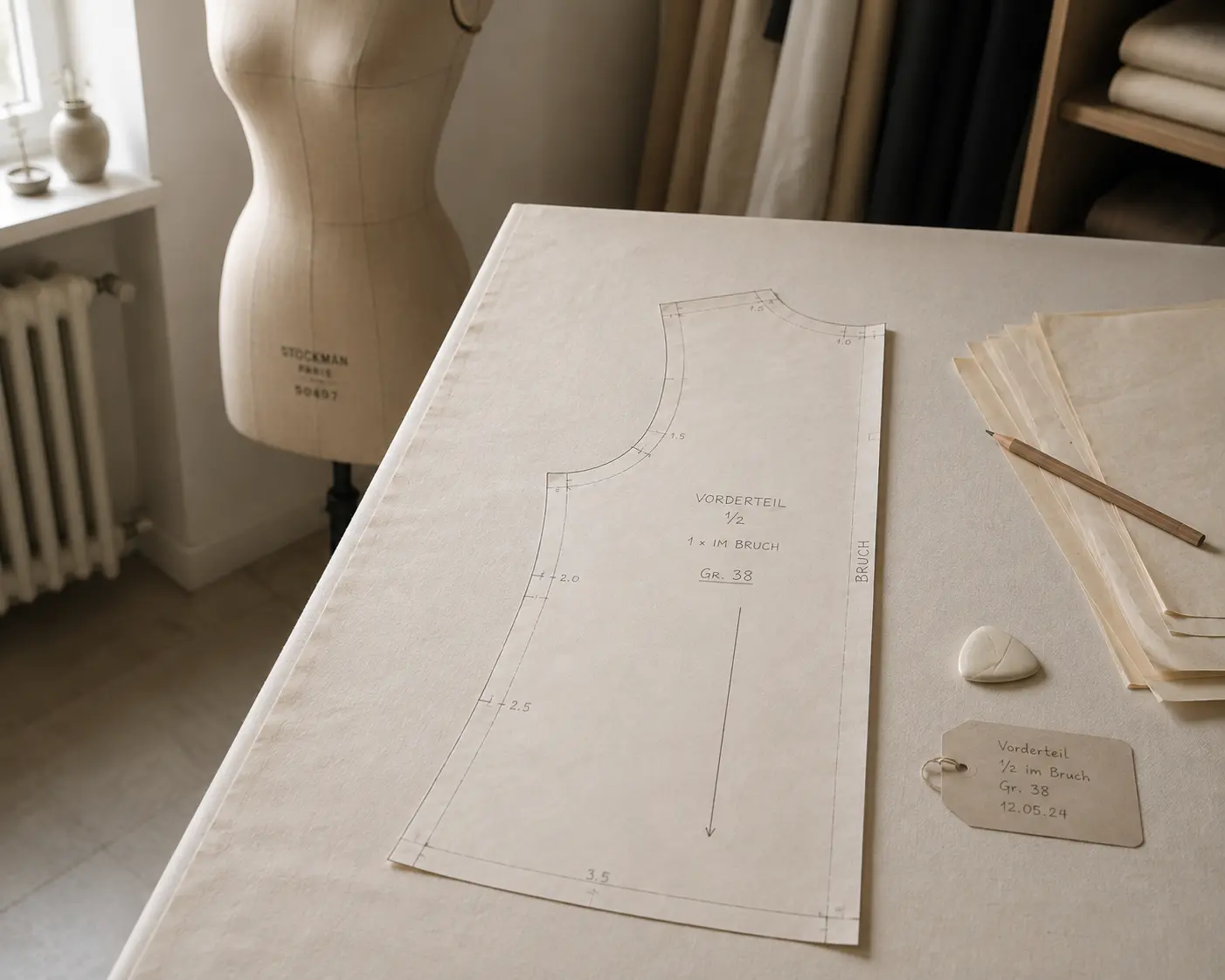
Digitize sewing patterns without tracing.
Test PatternScan Pro free for 14 days with the full feature set. You need your smartphone, a printer and one pattern you always wanted digital.
Photograph your paper pattern and get an automatically scaled digital version with PatternScan Pro.
Usage