
Sewing Patterns: From Idea to Online Shop, Here's How I Do It
This is how I design my sewing patterns on paper, digitize them with PatternScan Pro and sell them online.
Maren Sievert
Co-Founder & Fashion Designer
With this article, I want to give you a behind-the-scenes look at what we think is the simplest and fastest way from idea to finished sewing pattern in an online shop.
Starting with the idea, through pattern development, digitization, selling and organic reach through YouTube.
Why I Design My Patterns on Paper
I really like the simple crossbody bag from Uniqlo, but the working conditions in the fast fashion industry are no secret anymore. It's wonderful how many people sew their own things, and I wanted to create a pattern that's both refined and easy to make.
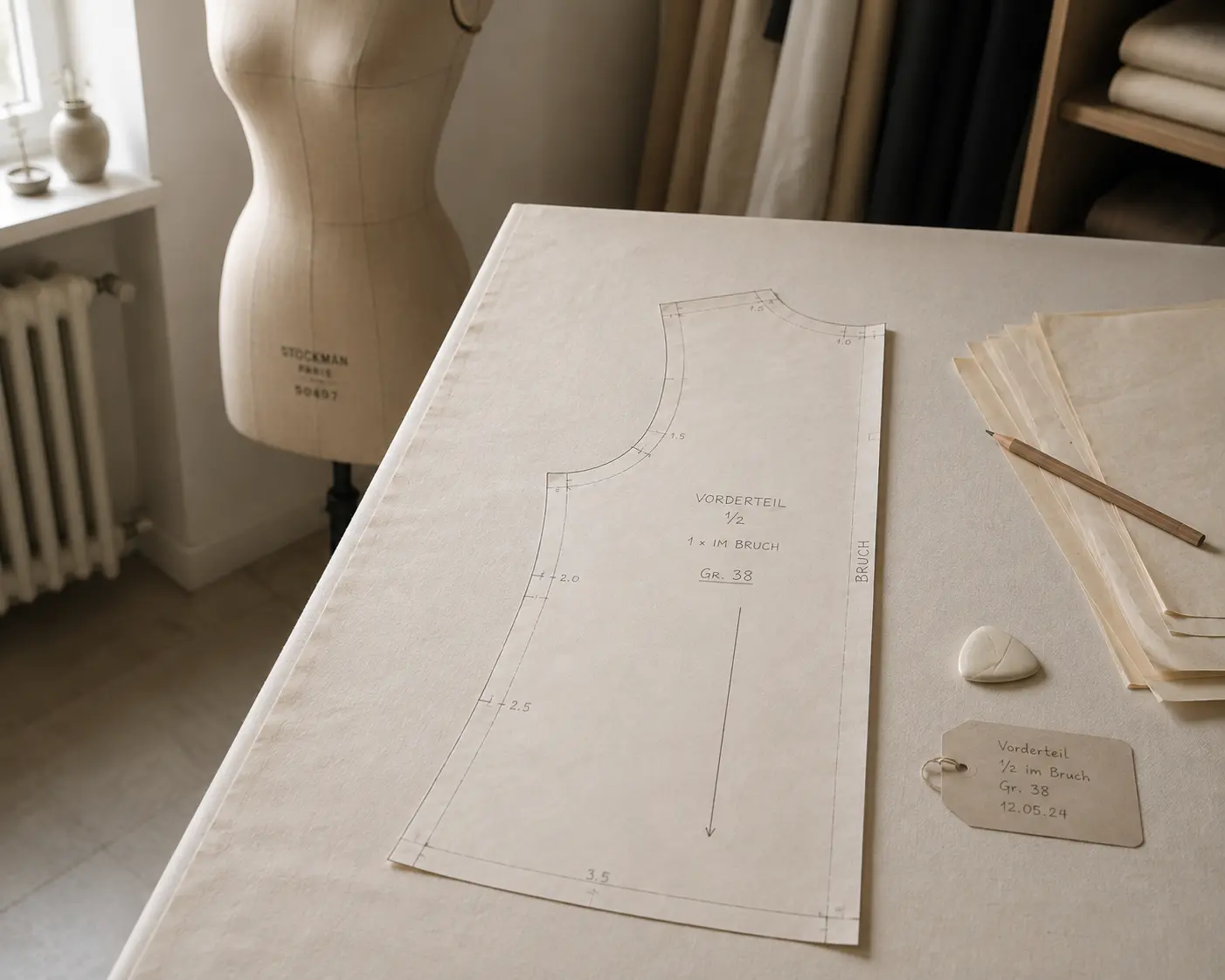
I'm convinced that the best patterns come from hands-on work, not from a computer screen. That's why my process starts entirely analog, with paper and fabric. I wanted the bag to be simple to sew but still high quality, with a practical inner pocket, card slots, an adjustable strap and... fully turned! (That's important so no lint collects inside!)
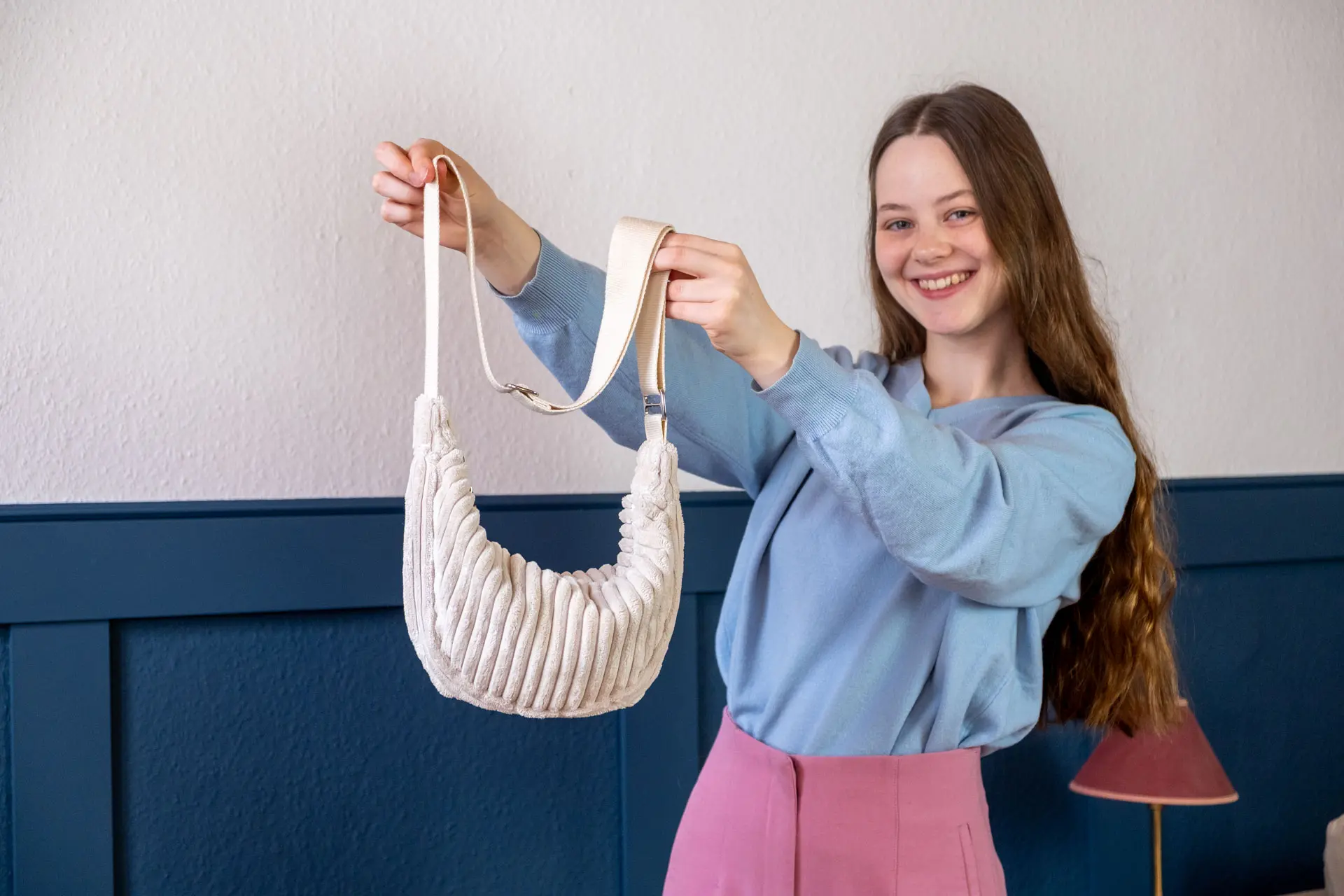
The advantage of working analog, with prototypes, paper and fabric, is the tactile feedback during design. How does the size feel? Can I reach the inner pocket easily? Is the bag comfortable to carry? Pattern development, that's what I enjoy most.
Digitizing the Pattern
This is usually where things get tedious, and why many patterns are designed directly on the computer these days: photograph, correct perspective, trace digitally, check measurements. With a multi-piece pattern, that can easily take an entire evening.
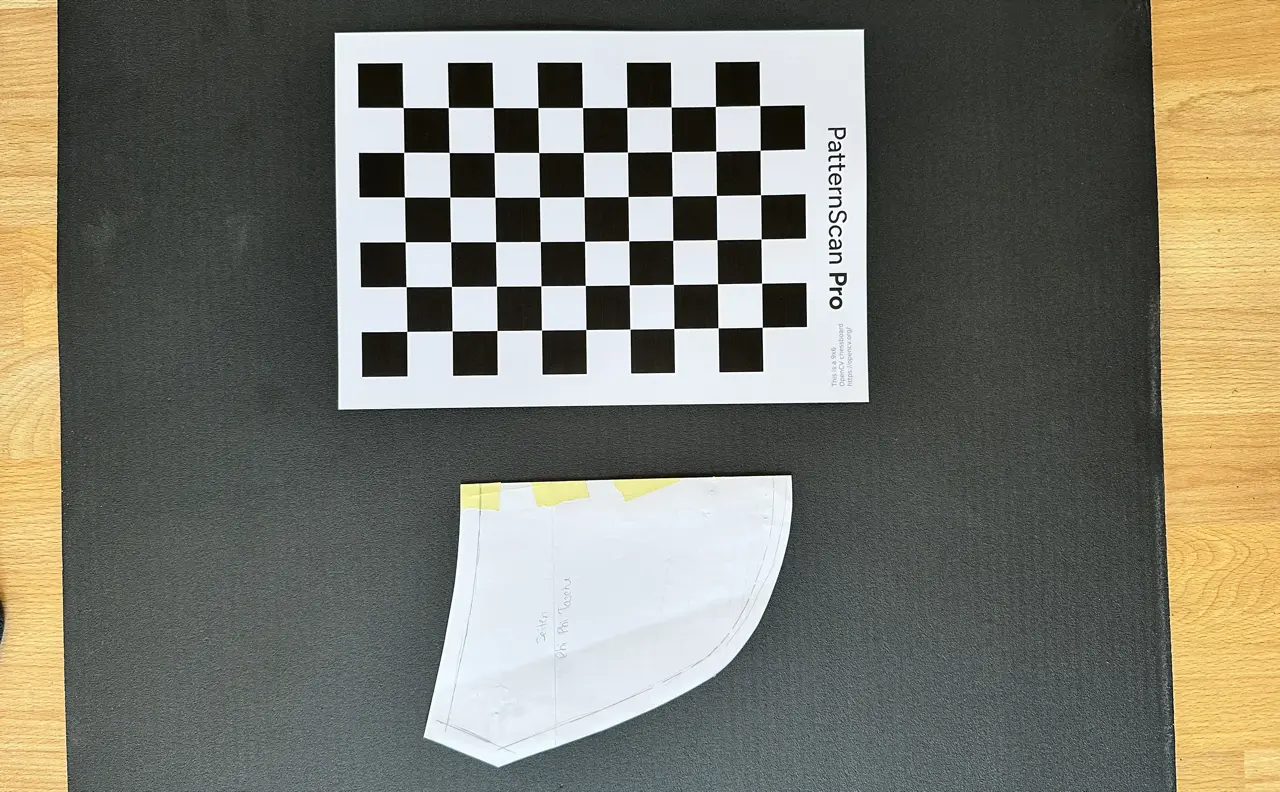
That's exactly why we built PatternScan Pro, it makes this step really fast. I photographed each pattern piece together with the printed reference. Our app detects contours automatically, corrects the perspective and scales everything correctly. Since June 2026 the reference is a set of four Reference Tiles placed around the piece, and with the companion app you don't even need a calibration profile anymore (photography guide).
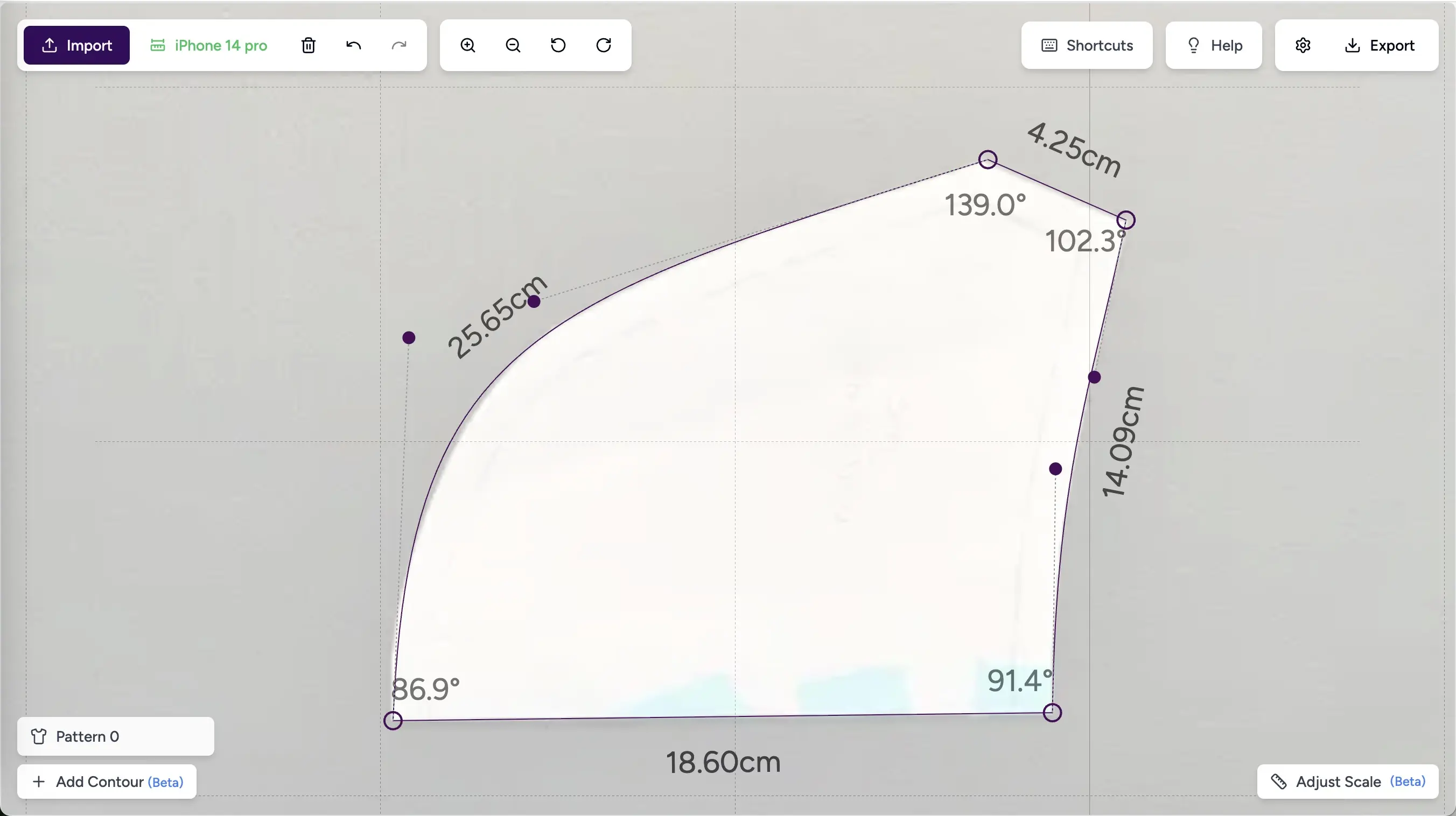
I manually adjusted a few points, mostly at the corners. Overall, digitizing took just a few minutes. It makes me happy every time I use the app, because it was exactly this repetitive digitizing work that used to keep me from publishing my own patterns. I'm sure I'm not the only one!
I exported as SVG, the most flexible format if you want to continue working in Illustrator or another vector-based program. If the pattern is for a garment rather than an accessory, exporting as DXF can make more sense so you can do the grading in a CAD program like Grafis.
Preparing the Pattern for Sale
Between "digitized" and "ready to sell" there's still an important step: preparation. I do this in Illustrator (but it also works in free tools like Inkscape or Affinity). Labels need to be added, the pattern pieces distributed across A4 pages with a frame for taping together.
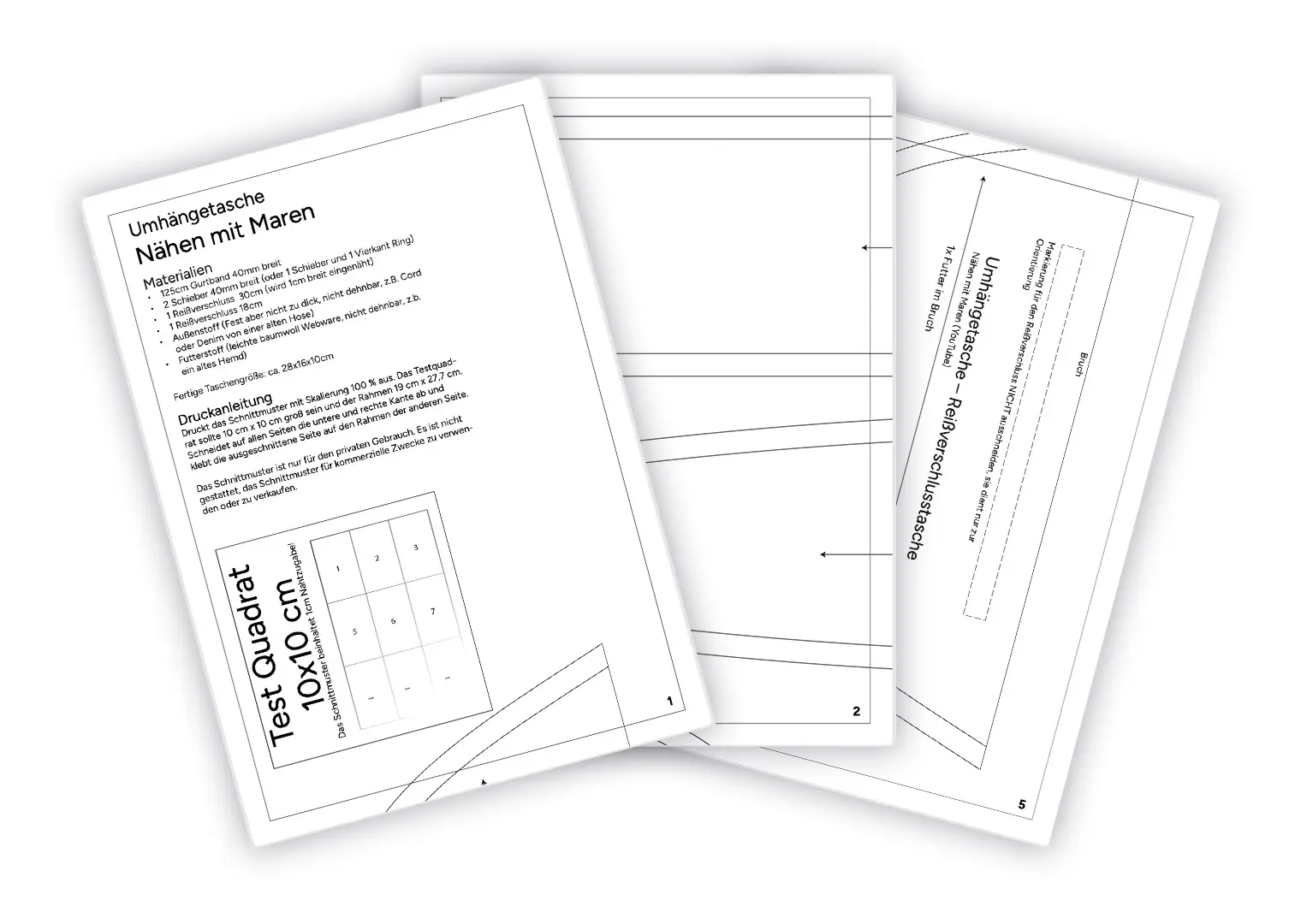
Don't forget to add a test square for measurement verification.
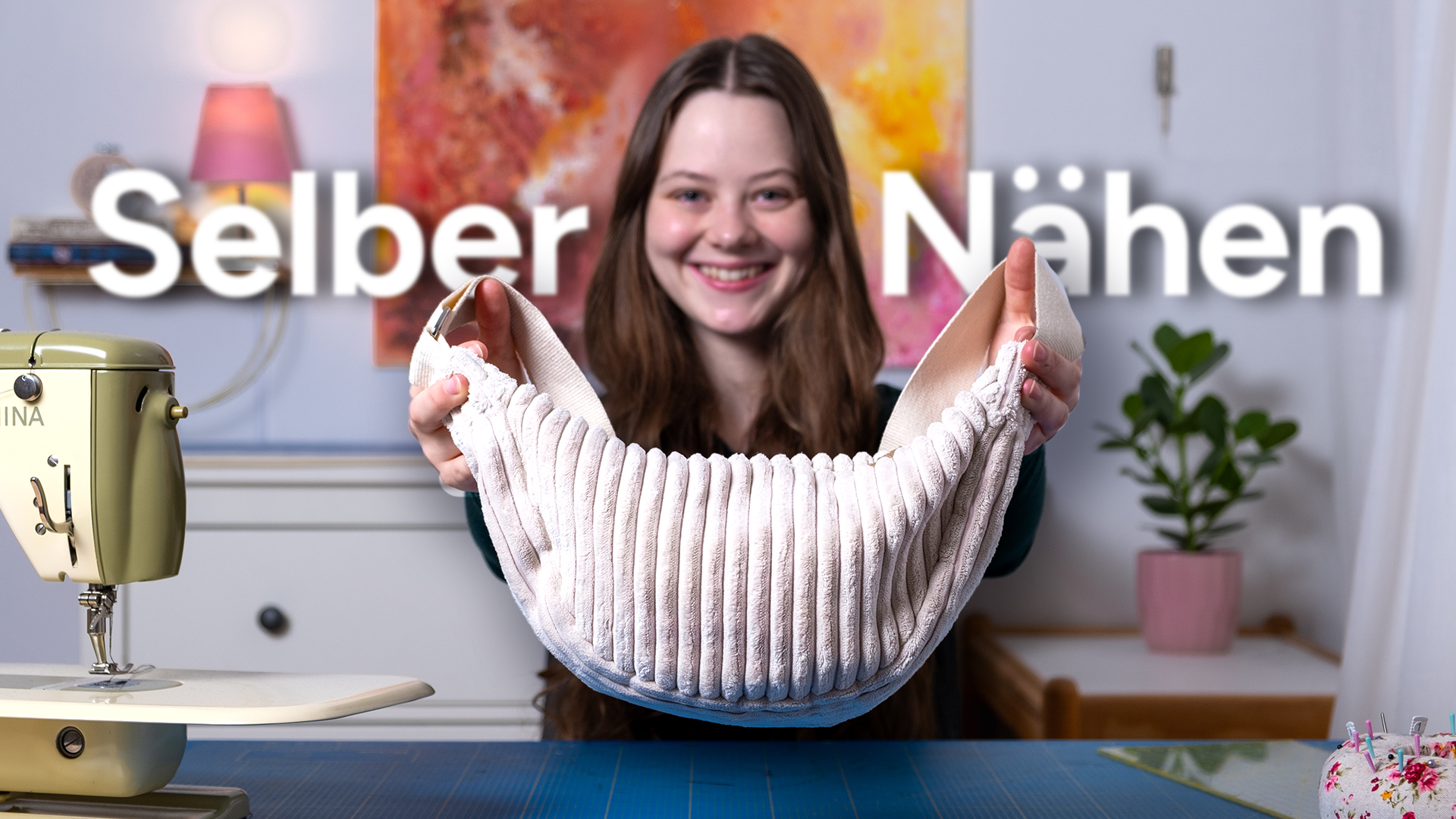
A good sewing tutorial is essential for a pattern that people can actually follow. That can be text with images or drawings, or of course a video tutorial, whatever works best for you. Here's the tutorial I recorded for the bag (only available in German).
Selling on Ko-fi
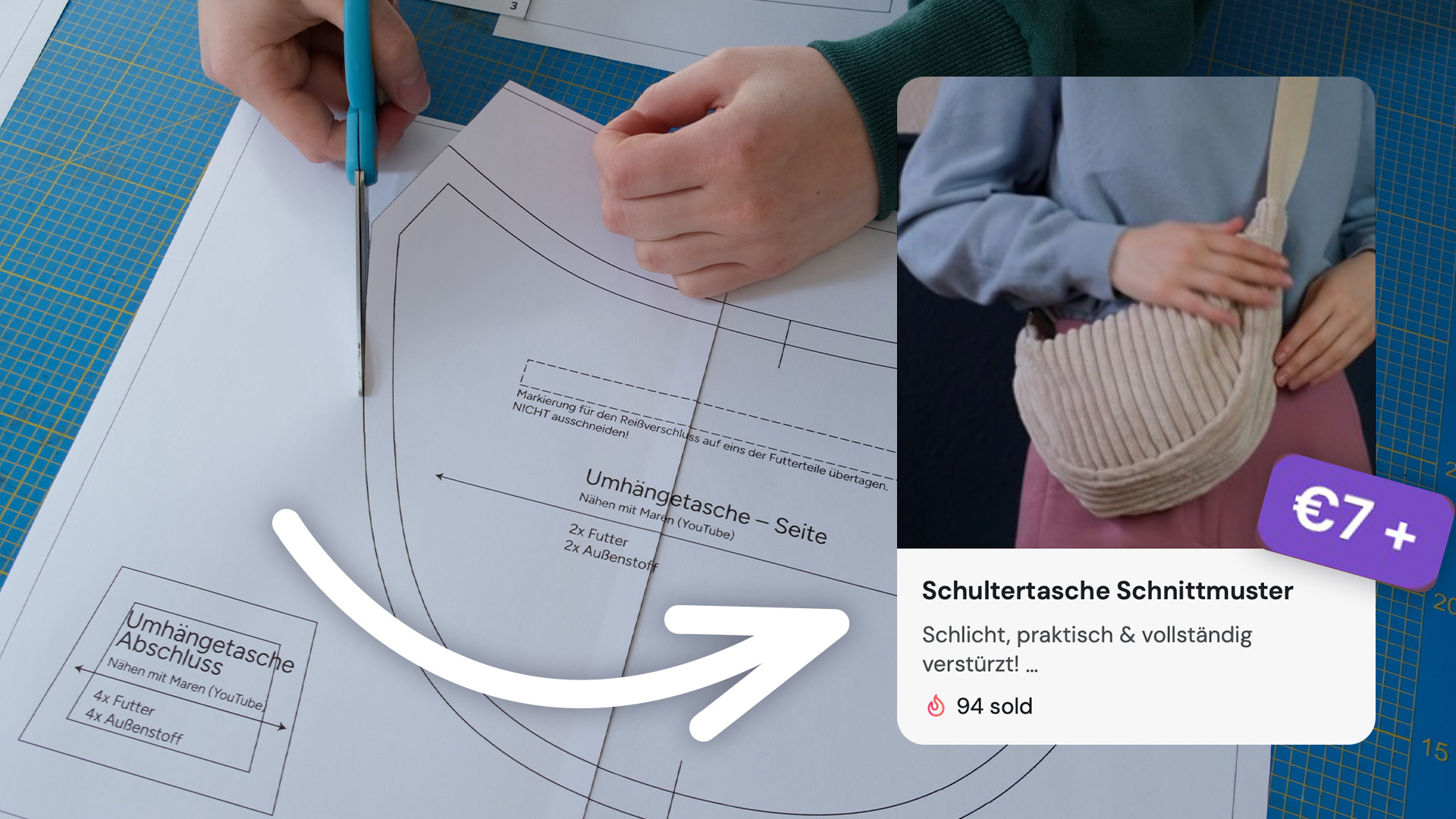
For selling, I use Ko-fi. Setup is super quick and easy, and the only costs are transaction fees, a really good solution, especially when starting out. Creating a product listing takes just a few minutes: title, short description, price, upload PDF as download, cover image, done and instantly available online.
The downside: Ko-fi doesn't have a marketplace. Nobody browses there looking for sewing patterns. Buyers come exclusively through my YouTube videos. That works for me because I already have a community there. Which type of shop is the best choice for you? Find out in this article.

Go for It!
The whole process: design, digitization, preparation, listing, does take some time (things always take longer than you'd think). For garments, grading and testing in multiple sizes makes the process considerably more involved.
Having a solid workflow from draft to finished pattern is really important and saves a lot of time in the long run.
If you design your own patterns and are thinking about selling them, you basically need three things: a good pattern, a way to digitize it cleanly, and a platform that fits you. The digitizing step doesn't have to be a blocker. And selling doesn't either. The barriers are lower than ever.
If you have questions or want to show me your result, reach out on Instagram @patternscanpro or by email at mail@patternscan-pro.com.
Maren studies fashion design at HTW Berlin and has been active on YouTube teaching how to sew. She knows the frustration of inaccurate sewing patterns firsthand and brings the user's perspective to PatternScan Pro.
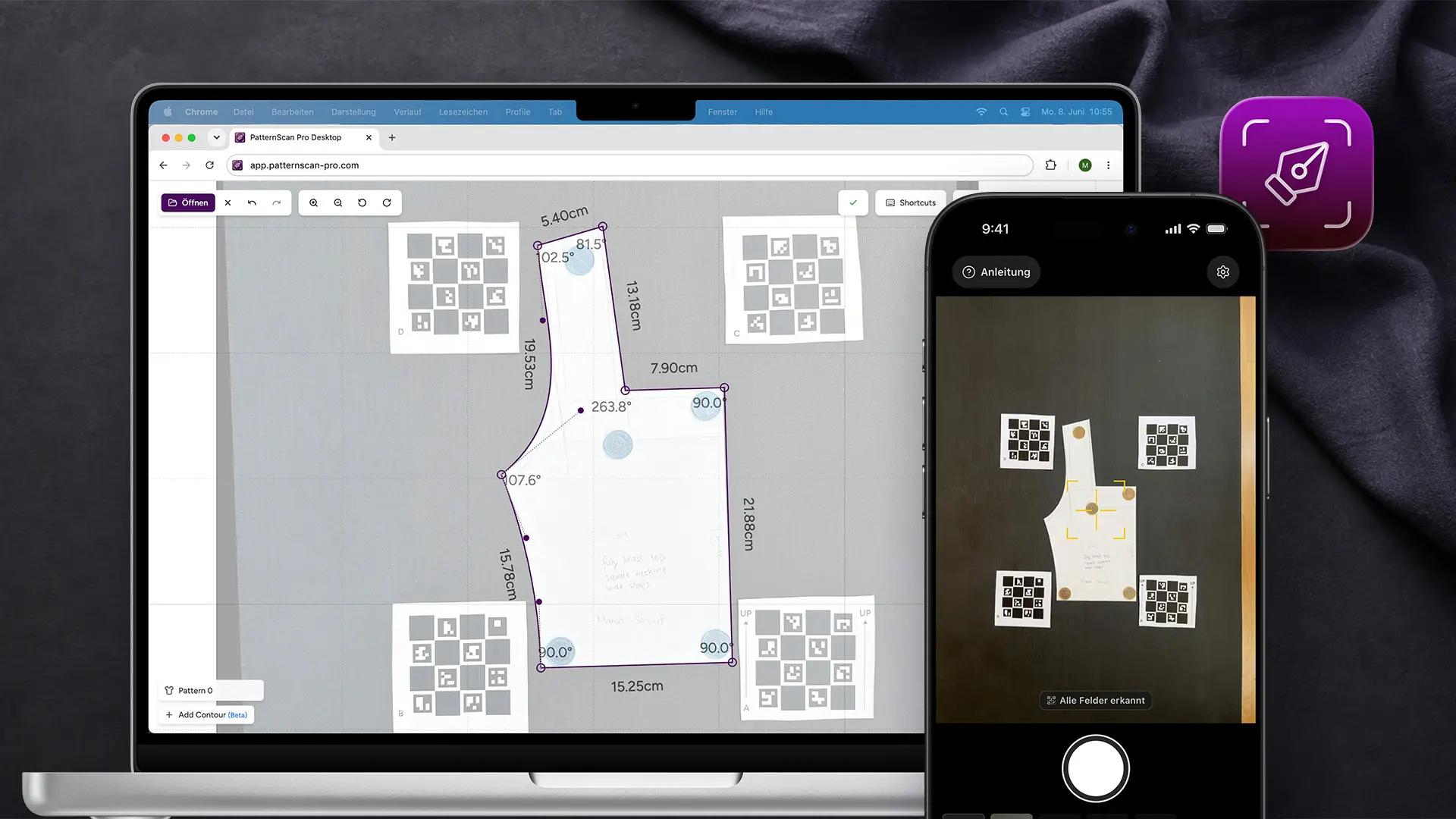
Digitize sewing patterns without tracing.
Test PatternScan Pro free for 14 days with the full feature set. You need your smartphone, a printer and one pattern you always wanted digital.

Photograph your paper pattern and get an automatically scaled digital version with PatternScan Pro.
Usage