
Three Apps That Bridge the Gap Between Craft and the Digital World
Project sewing patterns, digitize them, manage embroidery files digitally. Three independent tools that complement real craft with digital workflows.

Rasmus Liebscher
Co-Founder & Developer
Something exciting is happening in the sewing and textile world: more and more small teams are building digital tools that connect craft with the digital world.
We'd like to introduce three of these tools. All three have set out to solve a specific problem in a user-friendly way, creating real value for the sewing and embroidery community.
Pattern Projector: Project Patterns Instead of Printing Them
Anyone who's ever taped together a 40-page sewing pattern PDF knows the problem. Pattern Projector solves it by not printing the PDF at all. Instead, a regular projector beams the pattern directly onto your fabric or cutting mat. You lay out your fabric, project the pattern onto it and cut right away.
Sounds simple, but the trick lies in the tool's user-friendly calibration. A projector distorts the image depending on angle and distance. Pattern Projector compensates for this: you align a projected grid with the lines on your cutting mat, and the software corrects the distortion in real time. Brilliant!

The app is free, open source and runs directly in the browser. No download, no installation. It was developed by Courtney Pattison from Canada and a growing open-source team. The project originally started from a mural painting setup: Pattison's husband, a software developer, used computer vision to adjust projected images onto walls. From there, the step to sewing patterns wasn't far.
Beyond calibration, Pattern Projector offers handy extras: stitching multi-page PDFs together, adjusting line thickness, inverting colors (for dark fabrics), flipping and rotating patterns. Since it's a Progressive Web App, you can save it to your desktop or tablet like a regular app.
Use: Project sewing pattern PDFs directly onto fabric instead of printing and taping 40 pages.
Website: patternprojector.com
Price: Free, open source
Requirements: Projector, computer or tablet, cutting mat recommended
PatternScan Pro: Digitize Paper Patterns
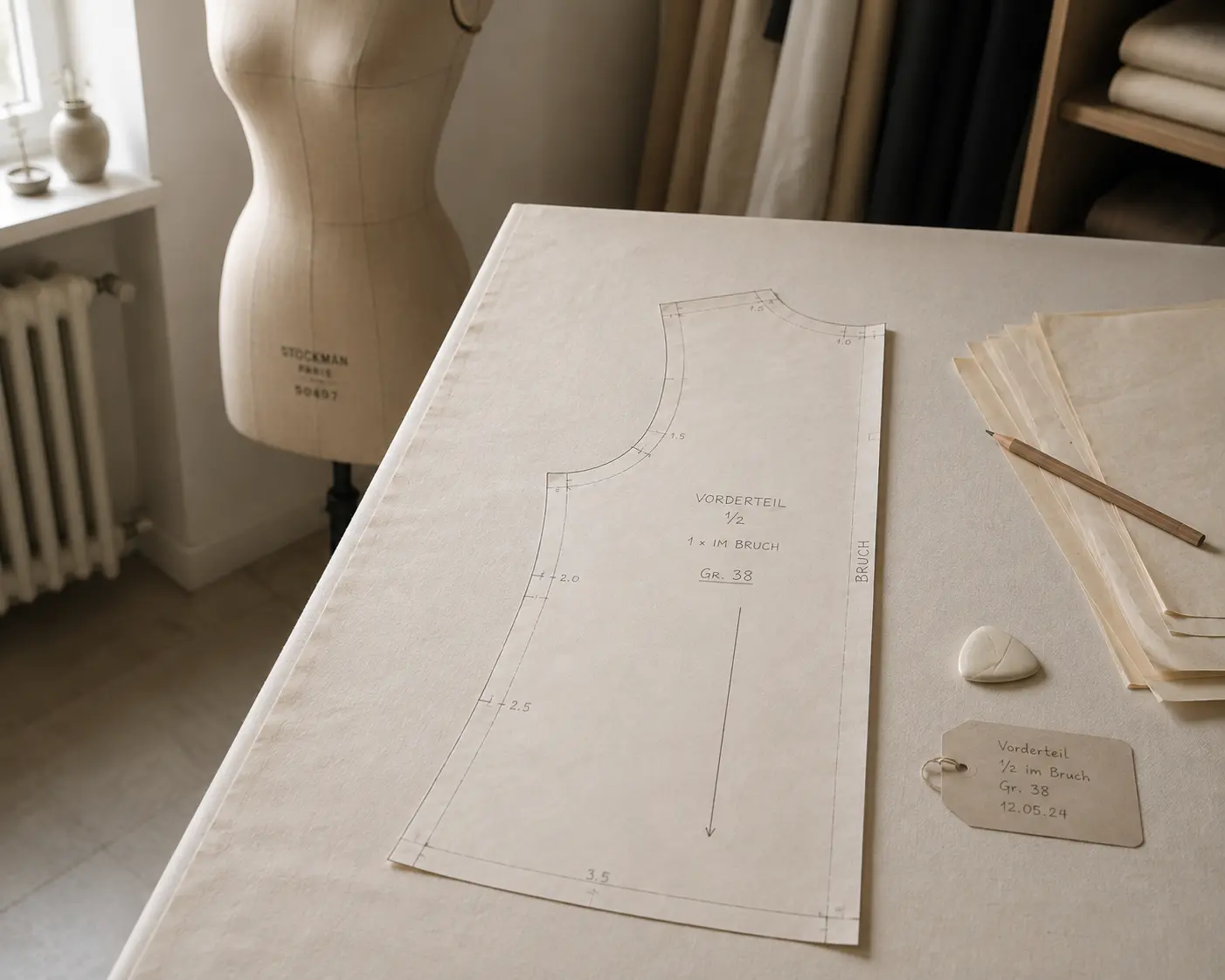
And then there's the problem we know best ourselves: you have a sewing pattern on paper or muslin (drafted, draped, fitted) and you need it as a digital file. For selling, for CAD, or your archive. Until now, that meant: photograph, correct perspective, trace, check measurements. A repetitive and tedious process.
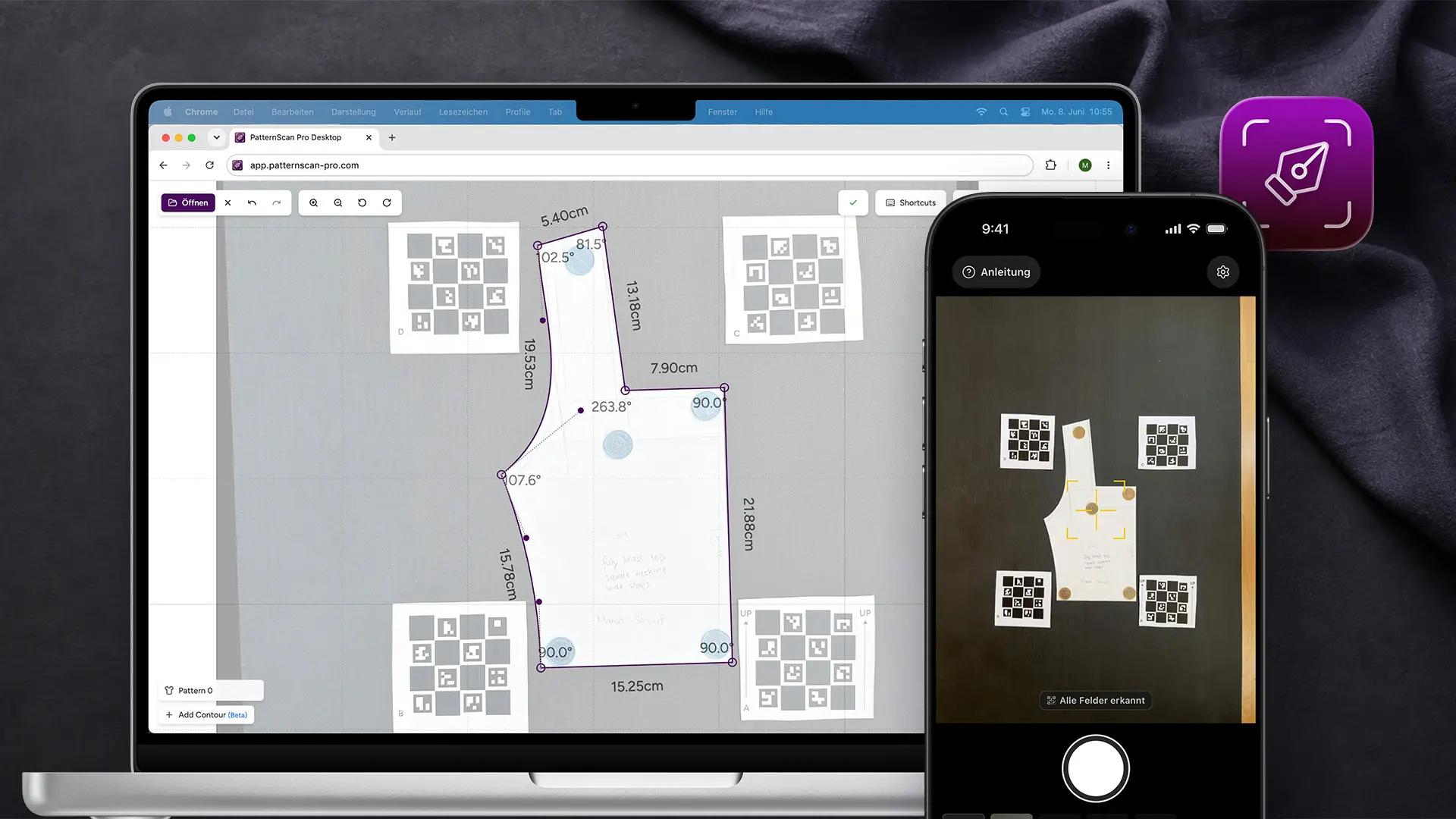
PatternScan Pro automates this step. So you can scan pattern pieces with one click and edit the contours. Here's how it works: you photograph your pattern with your phone or camera, the app detects contours, corrects perspective and lens distortion, and takes the exact scale from four printed Reference Tiles placed around the pattern. The result can be exported as SVG, DXF, PACX for CLO3D or PNG.
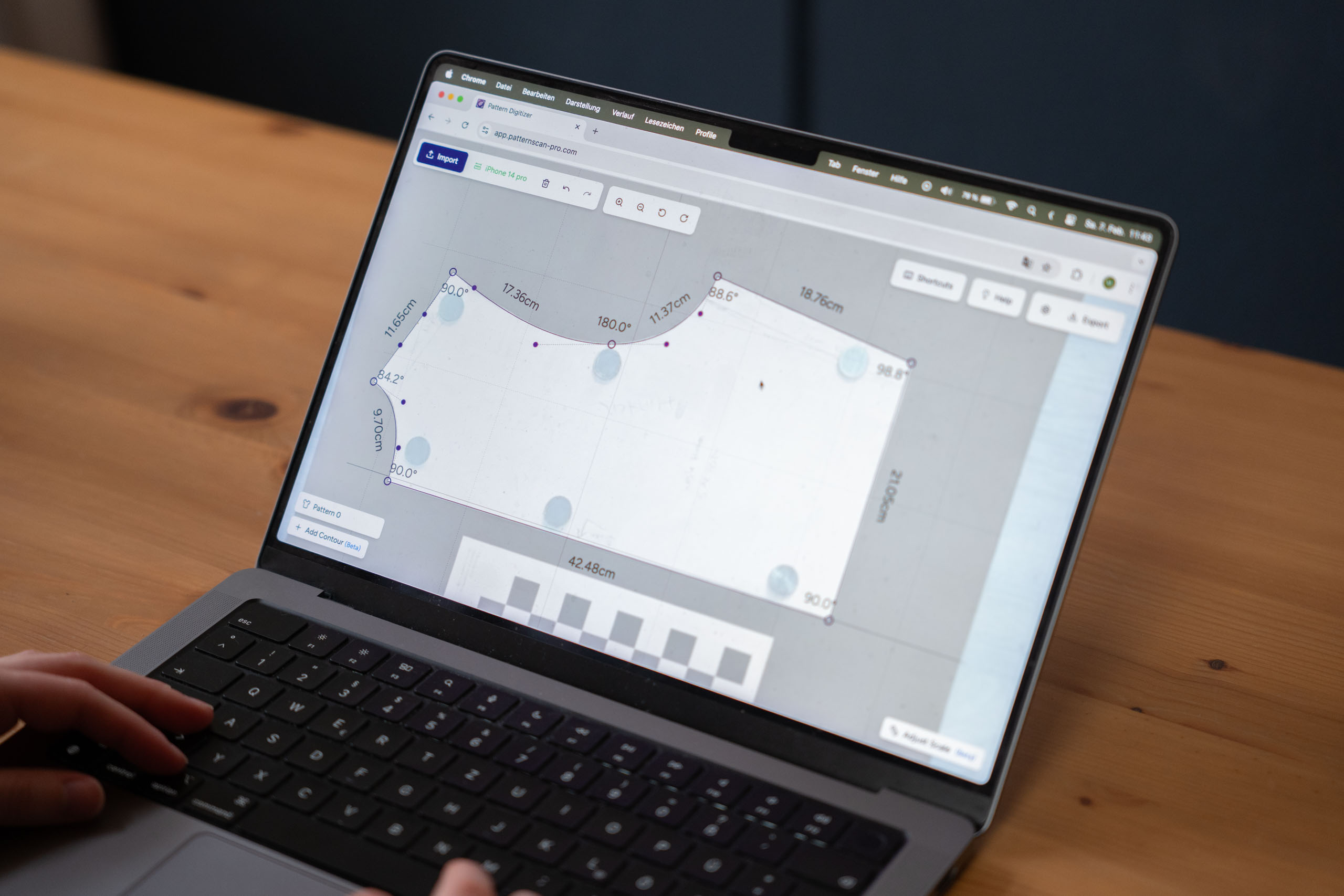
PatternScan Pro is a web app. No download, no installation, it just runs in your browser. With the companion app for iPhone and Android you photograph directly. For desktop uploads you create a calibration profile once per camera, and it then works for all future captures. Image processing runs on Python and OpenCV on German servers (GDPR-compliant).
We, Maren and Rasmus, built PatternScan Pro because we want to support creating patterns with analog methods and the creative process. More about our vision.
Use: Photograph paper patterns and automatically get dimensionally accurate vector files (SVG, DXF, PNG).
Website: patternscan-pro.com
Price: From €6/month (annual), 14-day free trial
Requirements: Browser, smartphone/camera, Reference Tiles (printable)
emborado: Finally, Order in Your Embroidery File Collection
A different problem, a different approach: anyone who does machine embroidery accumulates hundreds or thousands of embroidery files over time. Different formats, different vendors, scattered across downloads, emails and other folders. The filenames are often cryptic. At some point, nobody knows what's where anymore.
emborado is a cloud platform that sorts exactly this chaos. You upload your embroidery files and the app automatically generates previews, detects formats and creates AI-powered metadata: descriptions, colors, motifs. After that, you can search, filter and organize your collection, regardless of machine brand or file format.
.webp)
Behind emborado are Max Heimsath and Linus Pöppelmann, two computer scientists from FH Münster. The idea started during their master's program, together with Prof. Claus Grewe. The platform now has over 1,250 users who have collectively uploaded more than 2.3 million files.

emborado is free for up to 100 designs. After that, there's a Basic and a Supporter subscription with additional features. Unlimited designs can be managed for under €5/month. Long-term, the team plans to expand the platform to include plotter files, sewing patterns and other digital DIY files, including a marketplace where designers can sell their files directly.
Use: Organize, search and manage your embroidery file collection with automatic previews.
Website: emborado.de
Price: Free up to 100 designs, unlimited designs for under €5/month.
Requirements: Browser, embroidery files
What These Tools Have in Common
All three projects solve problems that arise when craft and the digital world meet. Pattern Projector makes printing obsolete. emborado brings order to digital collections. PatternScan Pro bridges the gap from paper to file.
None of these tools try to replace craft. Quite the opposite: they make it easier to work analog and continue digitally. Or the other way around.
What also stands out: all three come from small teams. Pattern Projector is an open-source project from Canada. emborado started at a university in Münster. PatternScan Pro at one in Berlin. These aren't corporate products, they're tools built by people who sew, embroider or work closely with people who do.
We think that's great. And we're curious what comes next.
Rasmus is Co-Founder of PatternScan Pro and develops the app with a focus on precision and intuitive usability.
Digitize sewing patterns without tracing.
Test PatternScan Pro free for 14 days with the full feature set. You need your smartphone, a printer and one pattern you always wanted digital.

Photograph your paper pattern and get an automatically scaled digital version with PatternScan Pro.
Usage